
Ship and Station Designer: Editing the Right Structure
Use the station Command module to edit a station and the Shipyard module to work on its docked ship. The developer also describes a main-menu creative
FAQ
Where do you open the designer?
What if placement does not work as expected?
Where do you open the designer?
Introducing Main Sequence identifies the station Command module and Shipyard module as the respective editing locations. The main menu offers creative design and blueprint saving. These are documented entry points, not a promise that every module can be constructed without research.
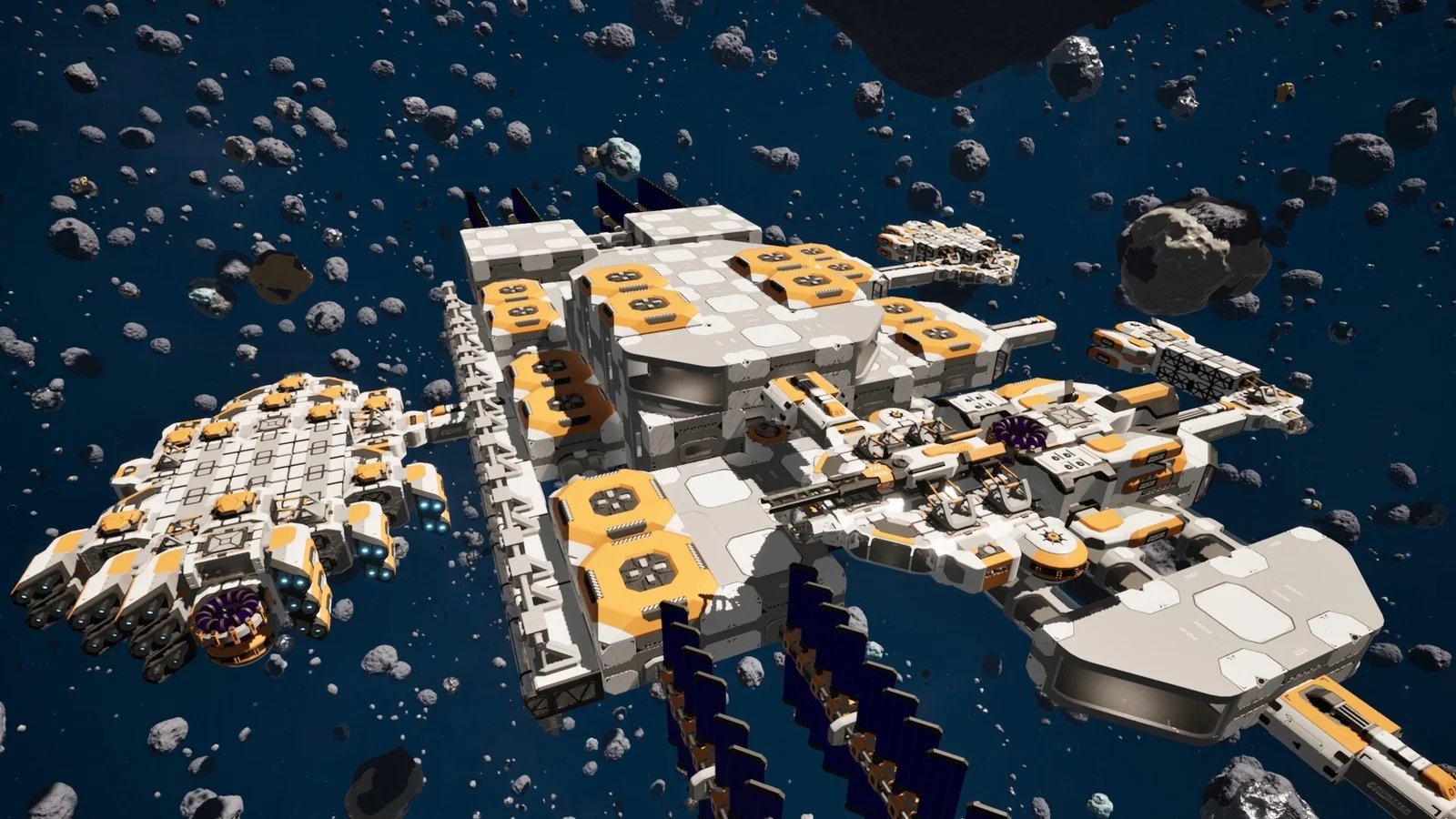
What if placement does not work as expected?
Check the docked ship and module unlock before assuming the blueprint is invalid. Playtest 2 Patch 3 fixed Shipyard Core placement when opened without a docked ship. An earlier demo hotfix also prevented saved blueprints from enabling modules not yet unlocked.
Related guides
Related Articles
game-info
Co-op in the Demo: Availability and Version Changes
Co-op multiplayer is now explicitly included in the Next Fest demo update, while the main Steam listing identifies online and LAN cooperation. Older posts
game-info
PC Requirements and Supported Interface Languages
Check the published Windows requirements before downloading the demo or planning for Early Access. The Steam listing specifies a 64-bit system, DirectX 12
game-info
Release Date, Early Access and What Remains Planned
Main Sequence is scheduled to enter Early Access on November 12, 2026, not to release as a completed version on that date. The developer plans a
Was this helpful?
Thanks for the feedback!